
Wedding weekends change right up until the processional starts. Tapped tags on table cards, welcome signs, and programs point guests to whatever is true right now — and you can swap the destination from your phone between the rehearsal dinner and the last dance.
Cocktail hour ran long, the toast order flipped, the shuttle time moved. Two hundred printed programs still say the old schedule, most already face-down on a chair.
Guests take incredible candid shots all night — the first look, the surprise toast, the parking-lot sparkler exit — and most of them stay trapped in one camera roll forever.
The DJ, the day-of coordinator, and the getaway-car driver all did great work, but by the time anyone thinks about a tip or a review, the reception is over and everyone has gone home.
One tag routes guests to whatever the day needs: an RSVP form before the wedding, the timeline and seating chart on the day itself, a shared photo album that stays open all night, and a thank-you page in the weeks after. Update it all from one dashboard — never reprint a card because a detail moved.
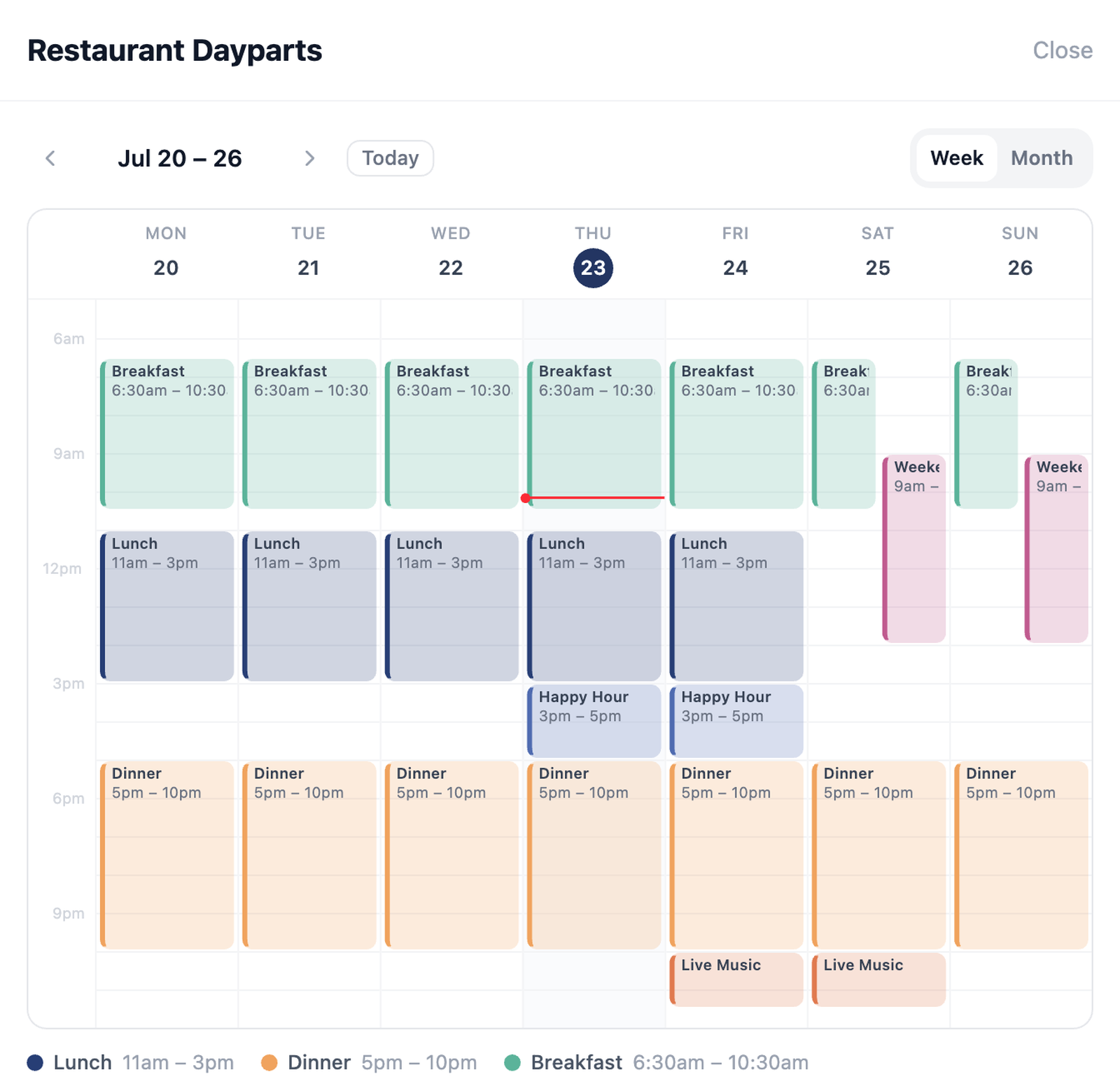
Schedules and sequences carry a tag through a multi-day event — rehearsal dinner, ceremony, reception, and the morning after all get their own window.
Table cards and menu cards tap through to the reception timeline, seating chart, and allergen notes. When the timeline shifts an hour, you edit one saved action instead of hunting down a stack of printed cards to explain it.
A tag on the invitation or welcome sign opens a form for RSVPs, meal choices, and song requests for the DJ. Every response lands in the dashboard, exportable to a spreadsheet the caterer and band actually use.
Set a table card or the welcome sign to link straight to a shared album — a Google Photos shared album, an iCloud Shared Album, or a dedicated guest-photo service — with contributions turned on. Guests tap, the album opens, and their candids land in the same place as everyone else's, no typing a URL or squinting at a QR code taped to a mirror. Tapped is honest about its role here: it doesn't host the photos itself, it's the tap-to-album layer that gets guests there. After the event, swap the same tag to a curated highlights gallery or flip the album to view-only — one physical tag, two jobs, no reprint.
Hartwell Events sets the welcome sign tag to directions for the rehearsal dinner venue. Out-of-town family taps once and their maps app takes over — no address to type from a group text.
The tag on each program now shows the order of service and an add-to-calendar button for the reception start time, so nobody misses the transition between venues.
A sequence advances the table-card tags to the seating chart and timeline, while the welcome sign switches to the shared photo album so candid shots start landing all night.
The same tags now show a thank-you page, a tip link forwarded to the DJ and day-of coordinator, and the photo album — switched to view-only — so the whole weekend is still one tap away.
When the timeline shifts, guests holding a tagged program see the change instantly — no announcement, no confusion, no visible scramble. Couples remember the planner whose event never looked improvised, and that memory is what they repeat to every engaged friend.
The tip links, review prompts, and thank-you pages that reach the DJ, coordinator, and driver all flow through your tags — and the thank-you page can carry your contact card too. Vendors who get paid and praised through your setup have every reason to send the next couple your way.
Welcome signs, table numbers, and card tags are re-aimed from the dashboard for each new event — this Saturday's seating chart, next Saturday's completely different one. The physical kit is a one-time purchase; the per-event printing bill for schedules and signs goes away.
Buy the tag kit once. Every event after that, only the content — and the client list — changes.
Timeline and detail updates — no reprinting a single card
Apps for guests to download to RSVP or share photos
Automation engines — schedules, sequences, and routes
Free tags to start planning your first event
Set up table cards, welcome signs, and programs once. Change what they show as the weekend unfolds — no reprint run, no last-minute panic when the timeline shifts.
Start free with 5 tagsNo credit card required. Upgrade any time.