Schedules rotate content by time. Sequences change the action with each scan. Conditional routes adapt to whoever is scanning. Your tags run themselves.
Define time windows by day, give each window its own action, and set a default for everything in between. Date gates start and stop the whole schedule on the days you choose — and the visual week and month calendar shows it all at a glance.
Deep dive into Schedules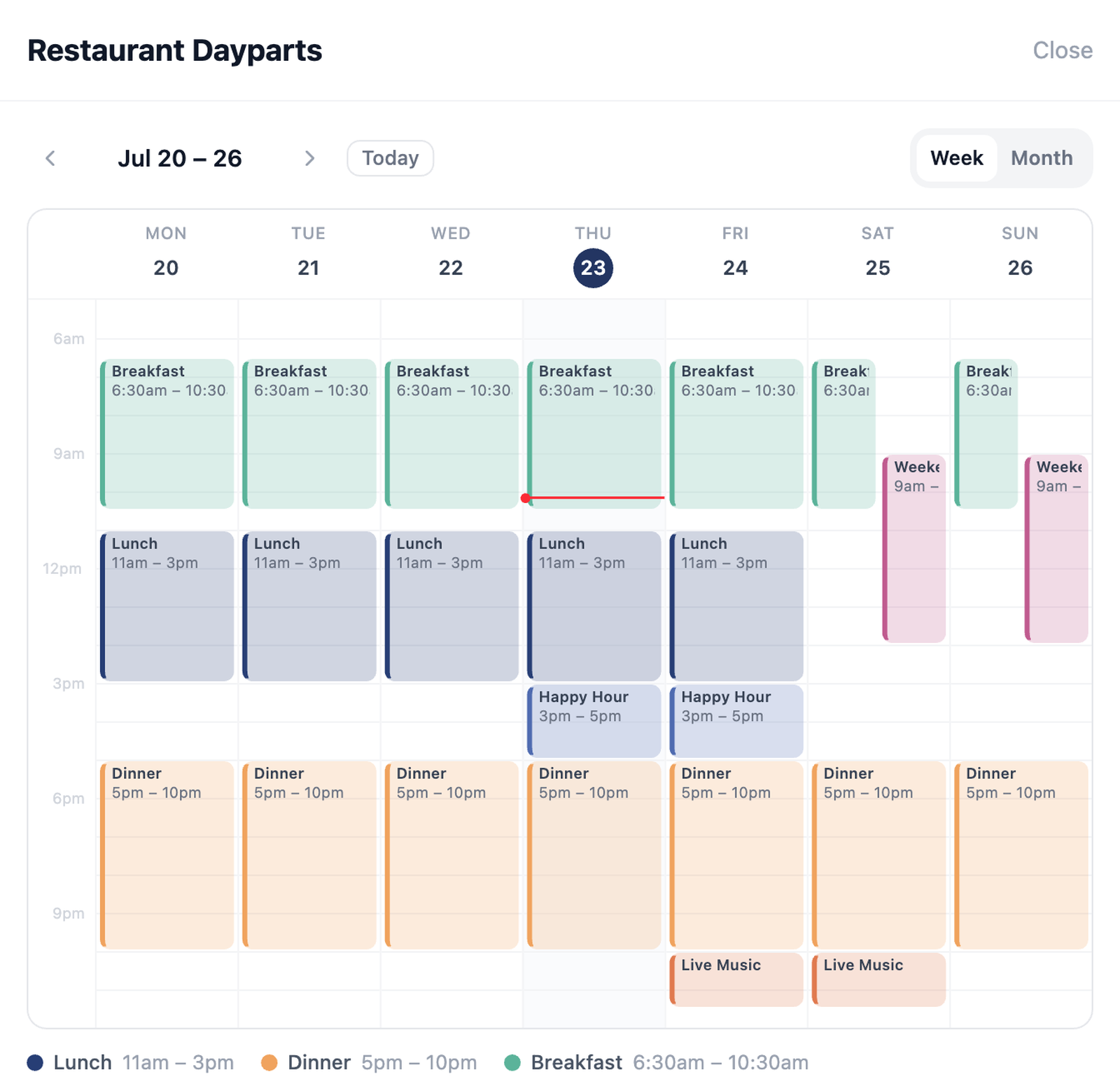
Chain actions into a journey the tag walks through scan by scan. Track progress shared across everyone or per device, cap how fast people advance — once per day, for example — and let group sequences fall back to each tag's own action.
Deep dive into SequencesRoute each scan by what's scanning: device type, country, or operating system. Send iPhones to the App Store and Android to Google Play. Show visitors from abroad a different page than locals. One tag, the right destination for everyone.
Dotted-path field mapping fits HubSpot-, Salesforce-, and Notion-style APIs. And when webhooks are not enough, the full REST API exposes tags, actions, and scan data — see the API docs.
A webhook profile holds the URL, HTTP method, headers, and field mapping — so scans can create CRM contacts, log rows, or trigger whatever your stack does next. Save the profile once and reuse it like any other action.
See all action typesAutomations are built from the same Saved Actions library, so they compose naturally: a schedule's dinner window can point at a menu, a sequence step can fire a webhook, and a route's fallback can be anything you've saved.
Linear, Loop, One-shot, and Random modes with progress tracking and advance limits.
A different action by device type, country, or OS — decided at scan time.
More features
Set the rules once and let every scan land exactly where it should.
Open Dashboard