The tag is permanent. The destination never is.
Put a Tapped tag on anything. Point it at a menu, a contact card, a form — then change it any time from the dashboard. No reprinting, ever.
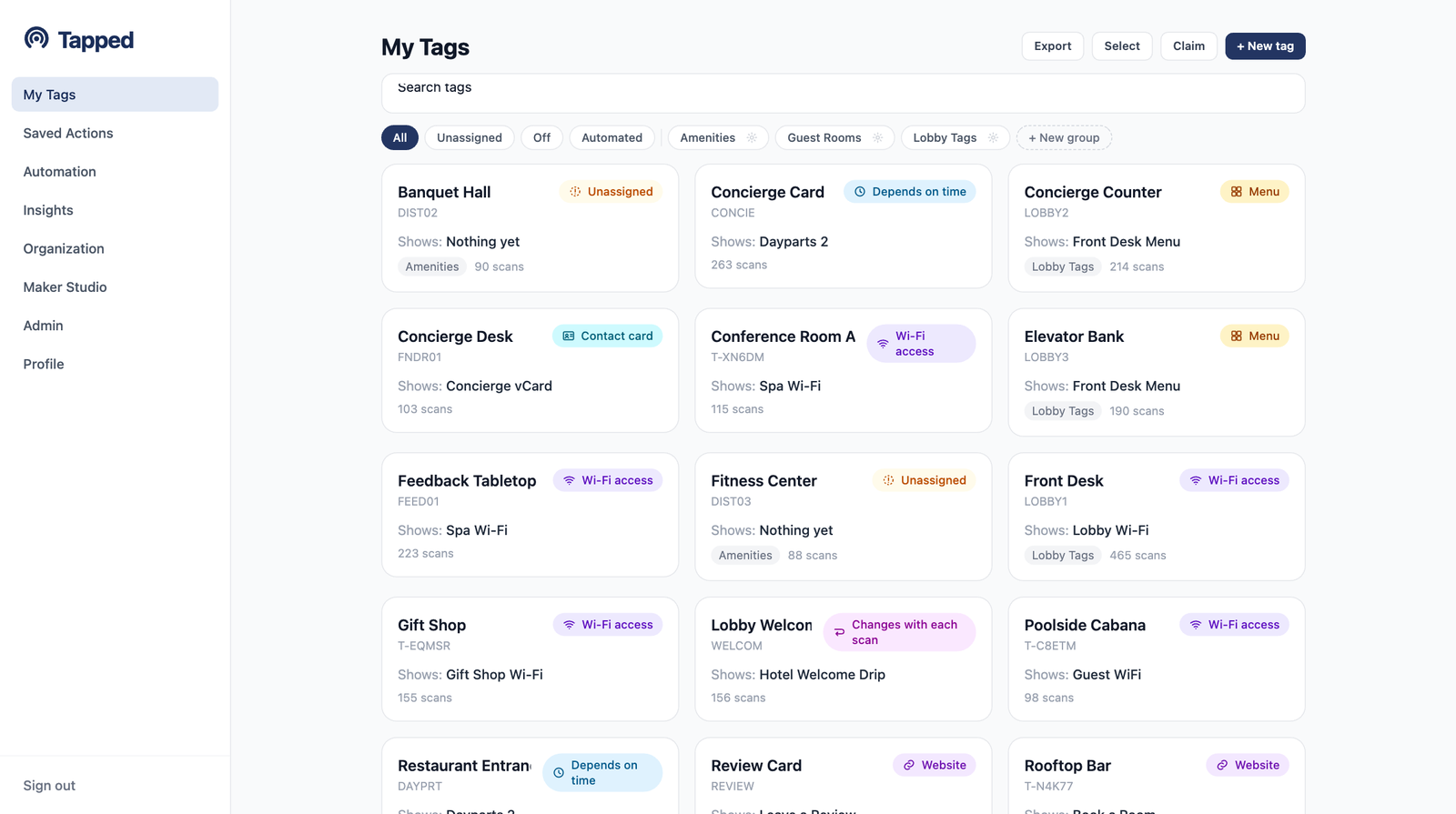
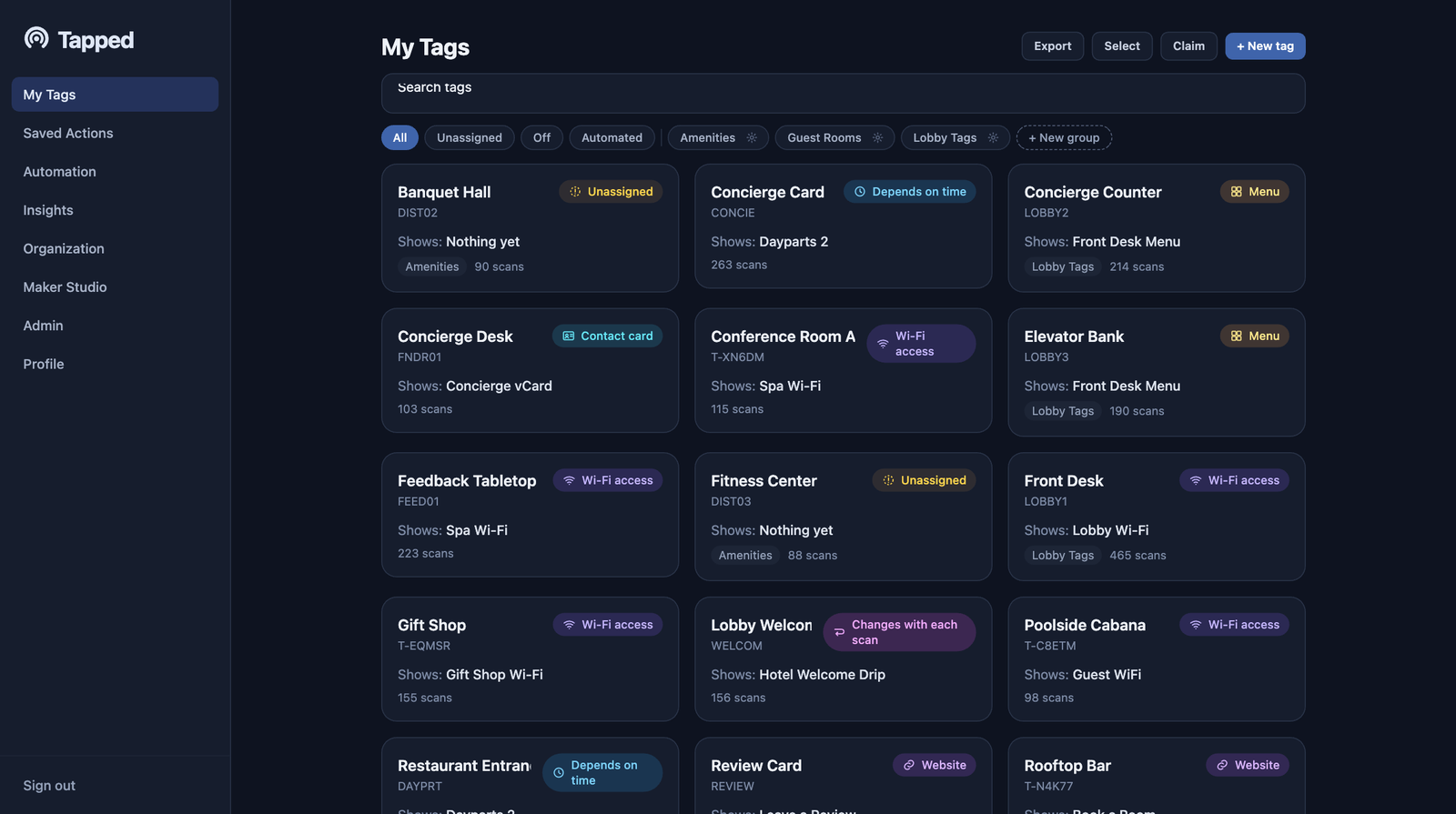
Every tag, its current action, and its groups — one screen.
How it works
Three steps. The last one is the whole point.
Get a tag
An NFC tag or QR code linked to a short tapd.ink URL. Stick it on a table, a product, a sign — anywhere people can scan.
Point it anywhere
The guided "Change what it does" wizard walks you through picking an action — a website, a menu, Wi-Fi access, a form, and more.
Change it any time
Update the destination from the dashboard whenever you want. Your current setup is always preloaded, so a change takes seconds.
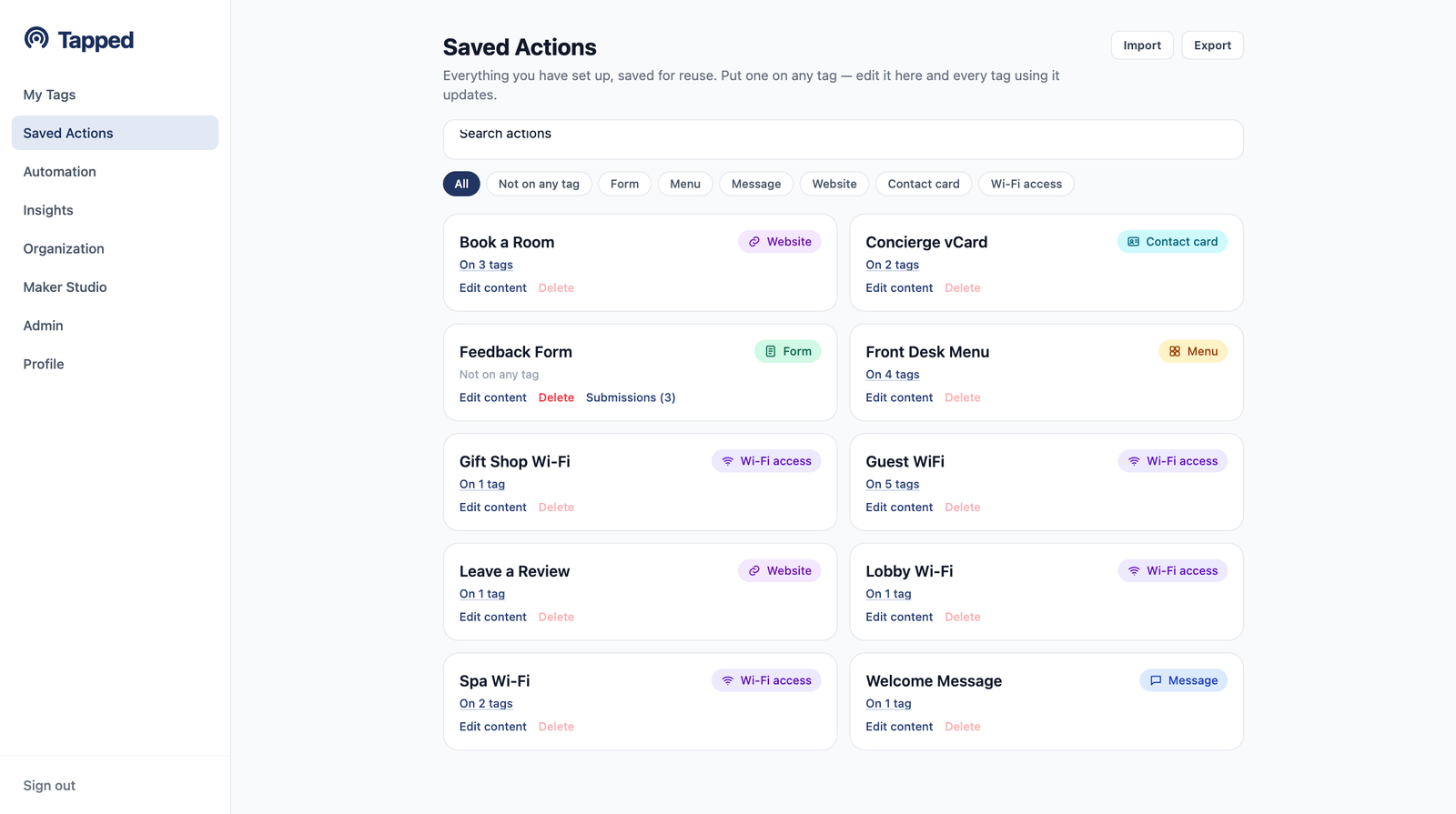
One library of actions. Reuse them across every tag.
An action is what happens when someone scans. Build it once, save it, and assign it to as many tags as you like. Every action shows exactly which tags are using it.
- checkMenus combine multiple buttons on one branded page
- checkForms collect responses with a built-in submissions viewer and CSV export
- checkWebhook profiles map scan data to HubSpot, Salesforce, or Notion-style APIs
- checkBrand themes put your colors, fonts, and logo on every scan page
Set the rules once. The tag follows them.
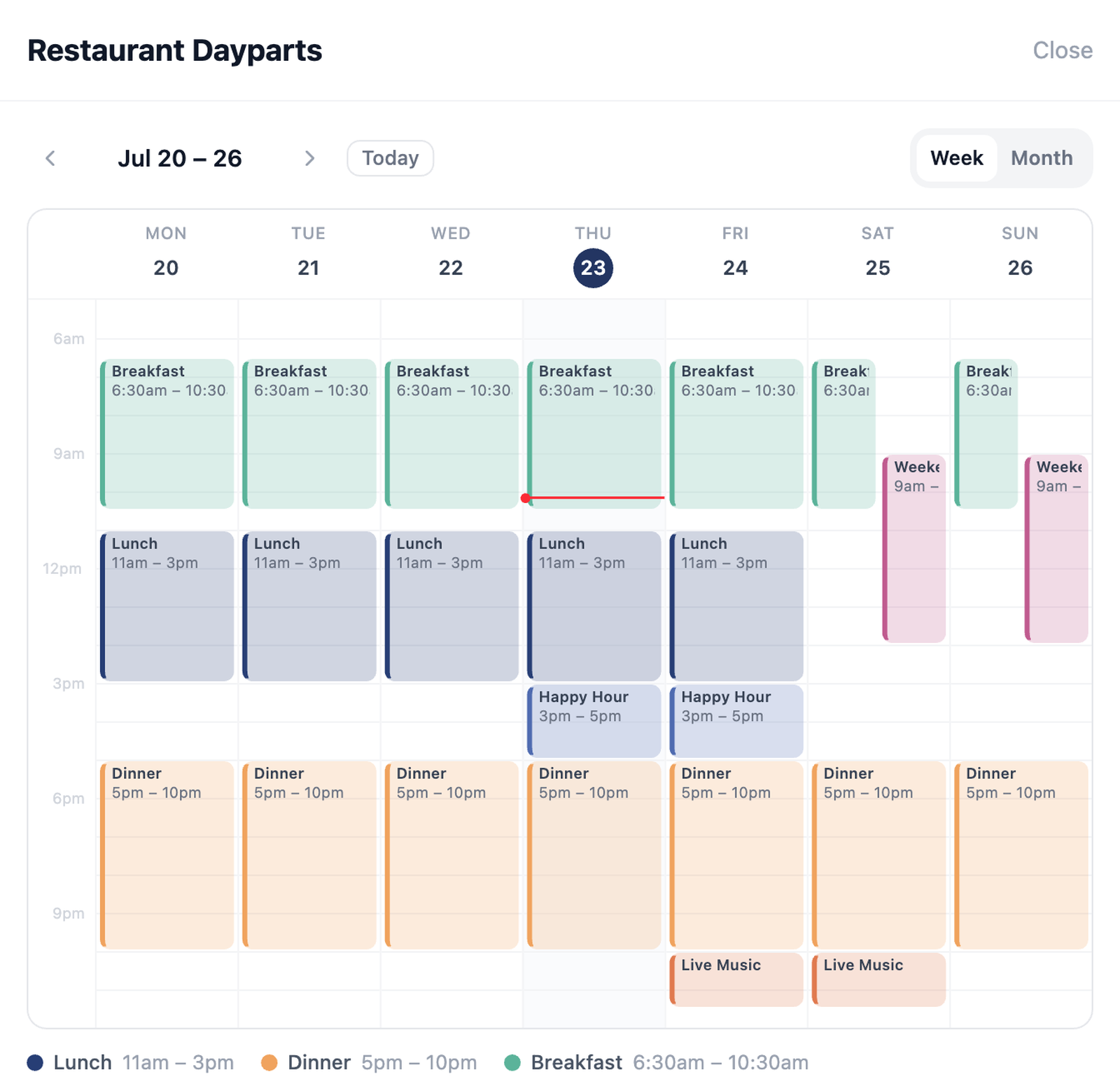
Your tag can serve breakfast in the morning and happy hour at night — without you touching it.
- calendar_monthSchedules — time windows by day with per-window actions, a default action, start and end dates, and a visual week or month calendar
- format_list_numberedSequences — a different action each scan: Linear, Loop, One-shot, or Random, with shared or per-device progress and advance limits like once per day
- alt_routeConditional routes — send scanners to a different action by device type, country, or OS
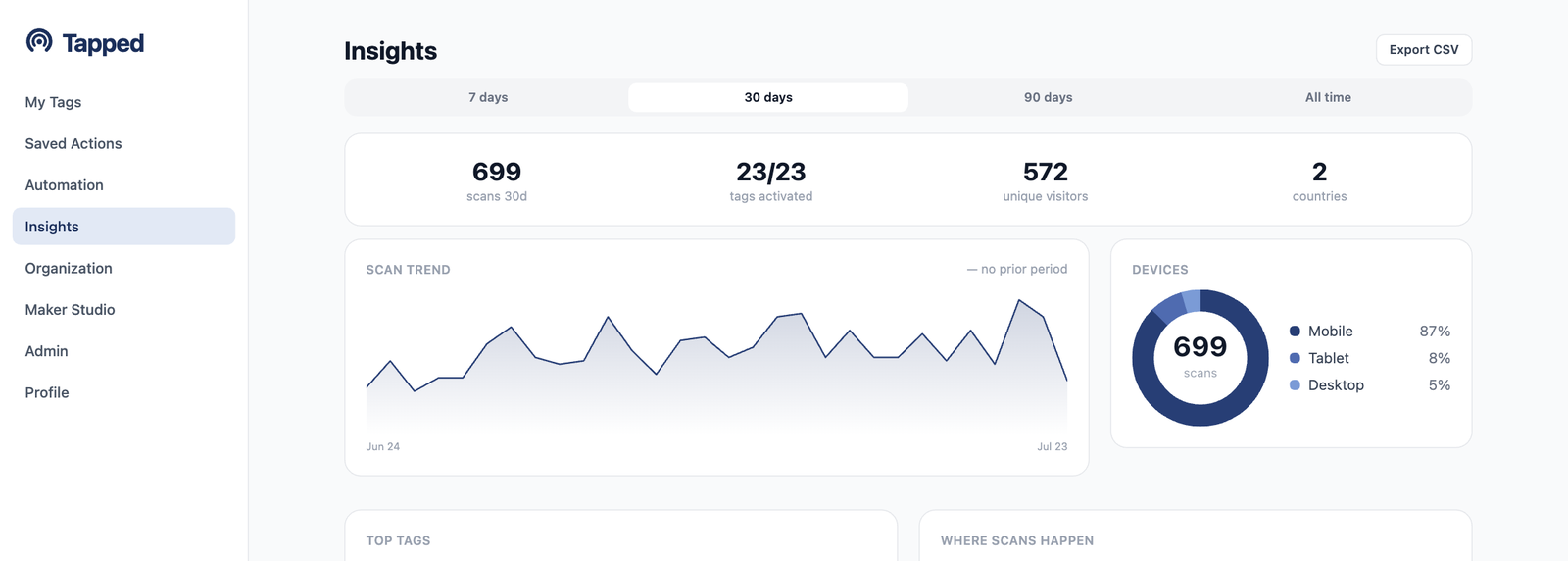
Know when, where, and how people scan.
Every scan is logged. Insights turns them into answers you can act on.
- trending_upScan trend vs the prior period, unique visitors, and return rate
- devicesDevices, OS, and browser breakdowns, plus your top tags and groups
- publicGeography with country-to-city drill-down
- grid_onA day/hour heatmap that calls out your peak window
- downloadCSV exports, and menu button click-through when you use menus
Built like a tool you will actually live in
The details that make the dashboard feel good every day.
Dark mode
The whole dashboard, easy on the eyes.
Installable app
Add Tapped to your phone's home screen and manage tags like a native app. A command palette (Cmd+K) keeps everything one keystroke away.
Teams and custom domains
Organizations with owner, admin, manager, and member roles. Assign tags to teammates, and serve links from yourbrand.com instead of tapd.ink.
Full REST API
Everything the dashboard does, scriptable. Mint tags, swap destinations, and pull scan data from your own systems. API docs.
Styled QR, even in 3D
Custom dot and corner styles, colors, and a center logo. Export PNG, SVG — or 3MF/STL files ready for a 3D printer.
Print it once. Change it forever.
Start with 5 free tags — actions, a schedule, and sequences included. Upgrade when you outgrow them.